Every panel, its own tab
Access the billing area, game panel and webhosting panel from separate tabs. No more hunting through browser bookmarks mid-match.
The ElysianNodes app brings your billing area, game panel and webhosting panel into a single desktop workspace — everything one tab away, with updates that install straight from GitHub Releases.
The game panel dashboard inside the ElysianNodes desktop app.
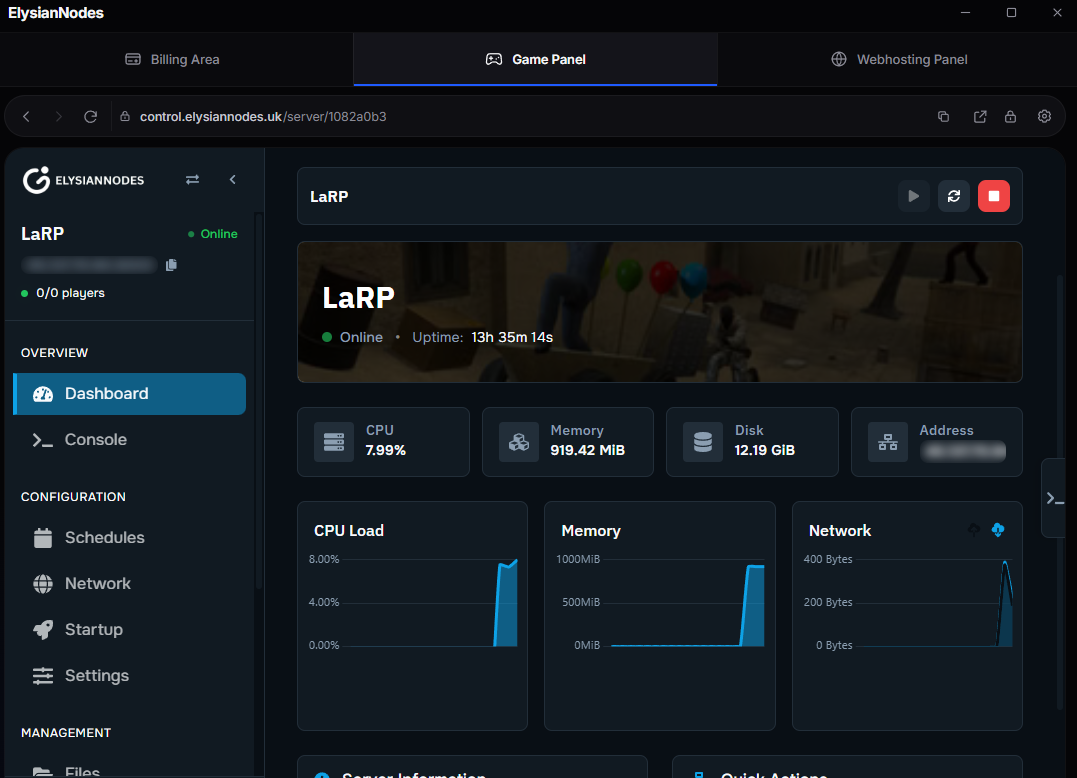
Built to make everyday server management feel instant — without giving up the tools you already know.
Access the billing area, game panel and webhosting panel from separate tabs. No more hunting through browser bookmarks mid-match.
Each panel gets back, forward, reload and address controls, so moving through the app feels exactly like using your browser.
Lock the app when you step away. Set a local passcode in settings and unlock instantly when you come back.
The app checks published releases and installs new versions without sending you back to the website.
Optionally connect Discord from settings so friends can see what you are managing right from your status.
Packaged for Windows x64 with Electron. Installation is a familiar setup wizard — no command line required.
The app is a home for the ElysianNodes services you already use. Your sessions stay inside the desktop app, and an optional passcode keeps casual eyes out.
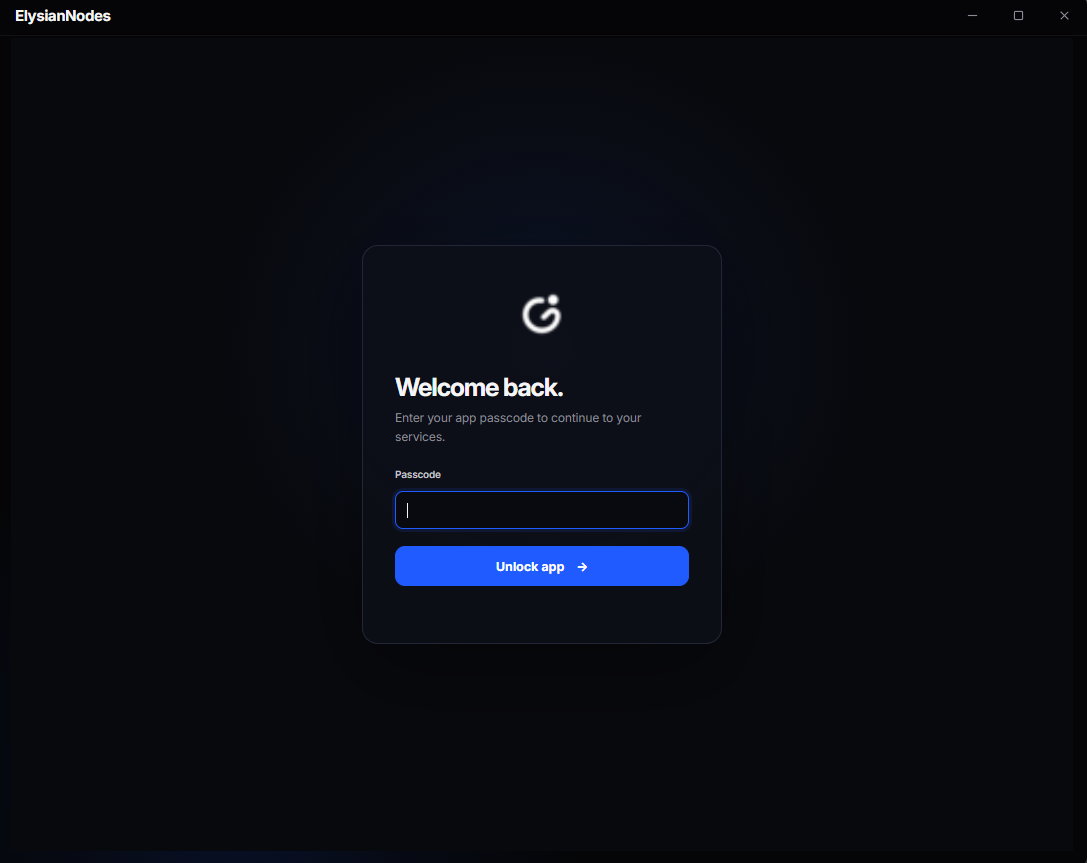 Local passcode · optional
Every published GitHub release becomes an in-app update. Press update, let it install, and carry on managing your servers.
Download the Windows installer and run the setup wizard. The first version with updater support must be installed manually.
The app reads the latest published release from GitHub and tells you when a newer version is available.
Approve the update inside the app and it handles the download and install for you.
Yes. The app is a desktop home for your existing billing area, game panel and webhosting panel, so you sign in with the same account you use on the website.
No. The app is free to download and open source under GPL-3.0. Hosting plans are billed separately through the billing panel.
Not at the moment — the published builds are packaged for Windows x64. The source is available on GitHub if you want to build it yourself.
The app reads published GitHub releases, shows you the newest version and installs the update from inside the app. The first version with updater support needs a manual install.
No. It is a screen lock: the passcode is stored as a salted scrypt hash encrypted with the operating system's secure storage, and packaged Windows builds encrypt Chromium cookies. Other local data, including local storage, is not encrypted by these protections.
Download the app, add your panels as tabs and keep everything one click away.